
How to Set Up Lunex4kTV on iPhone, iPad and Apple TV
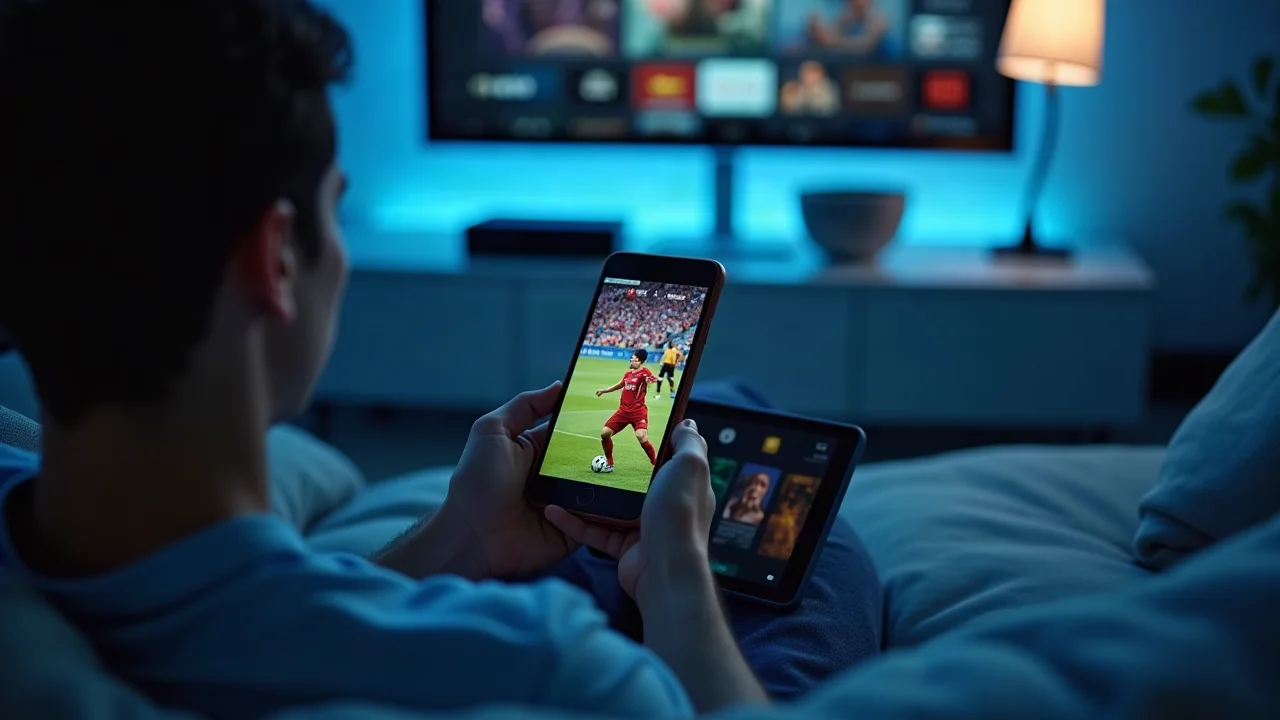
Lunex4kTV works on Apple TV, iPad, and iPhone using IPTV apps from the App Store. Configuration is identical across all three: download an application, log in once, and your channel list updates. AirPlay also lets you cast video to a television set from an iPad or iPhone.
Guide to installation
Frequently asked questions
Is there an official Lunex4kTV app in the App Store?
No. Lunex4kTV functions via standard IPTV player apps, and users authenticate using their personal Lunex4kTV credentials.
Does it work on older iPhones?
Any iPad or iPhone capable of running a modern IPTV player from the App Store is compatible. Legacy hardware might only support HD quality.
Can I stream on my iPhone and my TV at the same time?
Each active screen requires a separate connection. AirPlay counts as one connection since the mobile device transmits its feed directly to the display.
Can I try it first?
Absolutely. The complimentary 24-hour trial functions on Apple TV, iPad and iPhone following identical procedures.
Guidance for clear video on iPad, iPhone and Apple TV
Audio without video?
Access the player settings to switch the video player from standard to the secondary decoder. This resolves most black-screen situations on iOS.
Use Wi-Fi for 4K
Stable 25 Mbps speeds are required for 4K streams. Select SD or HD channel options when using mobile data.
Apple TV owners
Set up the player right on the Apple TV rather than relying constantly on AirPlay. The visual output is steadier and your phone remains available.
Test Lunex4kTV at no cost for 24 hours
Evaluate the channels, your personal hardware and the video clarity prior to selecting a subscription. No payment card is required for the trial.