
Lunex4kTV Free Trial – 24 Hours
Test Lunex4kTV on your own device and your own internet connection before you pay anything. Full access for 24 hours, and no card needed.
- All live channels, movies and series
- HD and 4K quality
- Firestick, Smart TV, Android, iPhone and MAG
- No card, no automatic charge
Get your free trial
Your login details arrive by email, typically in 5 to 15 minutes.
What you get in the Lunex4kTV free trial
Nothing is locked during the 24 hours.
Sample the service first
Test out a film, spend an evening watching live TV, and change stations using your actual remote. Pick a subscription once it performs to your satisfaction and keep your current channel lineup.
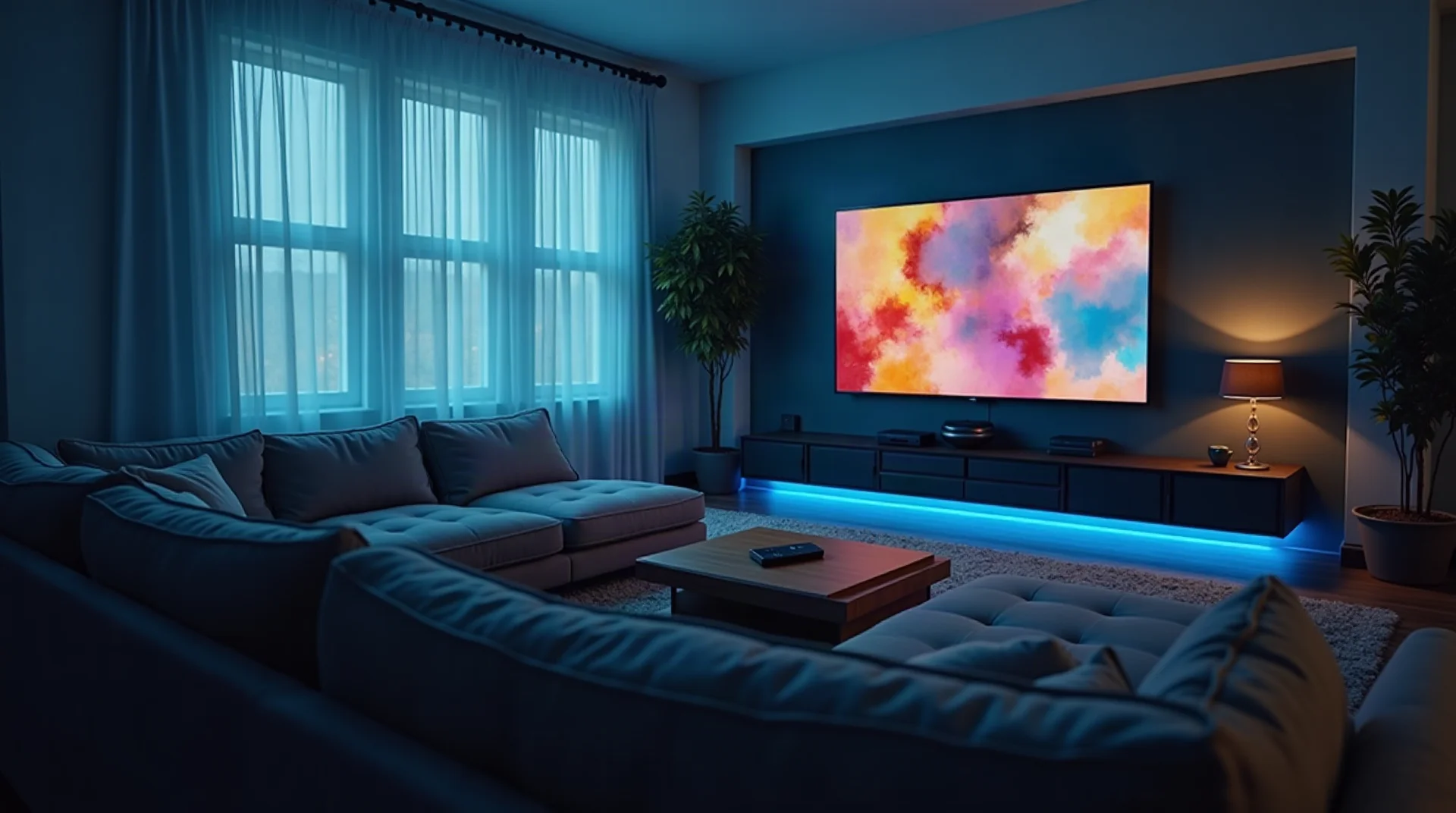
All live television channels
The trial opens the same Lunex4kTV channel list as a paid plan, sorted by category with the TV guide.
Movies and series
You also get the complete video-on-demand library to evaluate movies and TV shows.
HD and 4K on your connection
Testing on your personal internet connection lets you check the actual video quality, which provides the most practical assessment.
Compatible with your devices
Android, iPhone, iPad, Apple TV, MAG box, Firestick, or Samsung or LG TV.
From form to first channel
A brief four-step process. Most users start streaming inside 15 minutes.
Ready for your TV, phone and tablet
Select your hardware to view setup instructions. The majority of configurations finish in under five minutes.
Lunex4kTV on Firestick
The steps in short
Lunex4kTV on Samsung & LG Smart TV
The steps in short
Lunex4kTV for Android and Android TV
The steps in short
Lunex4kTV on iPhone, iPad & Apple TV
The steps in short
MAG Box setup with Lunex4kTV
The steps in short
Free trial vs paid plan
The test period offers the identical service, just for a brief duration.
| Free trial | Paid plan | |
|---|---|---|
| Length | 24 hours | 1 to 24 months |
| Live channels, movies & series | All included | All included |
| HD & 4K quality | Yes | Yes |
| Screens at the same time | 1 | 1 (more on request) |
| Price | Free, no card | From $14.95 |
| When it ends | Stops by itself | You decide whether to renew |
Good to know before you start
Common inquiries prior to beginning with Lunex4kTV.
Is the Lunex4kTV free trial truly free?
Yes. No billing info or card details are required from you. The test period stops automatically following 24 hours.
What do I get during the trial?
Complete entry: identical video definition, series, films, and live broadcasts as a subscription.
How long until I receive the login?
Generally 5 to 15 minutes following submission. It arrives at the email address you provided.
Can I get a trial on a MAG box?
Correct. Select "MAG Box / Formuler" on the application and input your device MAC address. View the MAG box guide.
What happens when the trial ends?
Access ends. Should you enjoy it, select a Lunex4kTV plan and you keep the same channel list.
The login does not work. What now?
Review the server URL, password, and username symbol by symbol. The login error guide lists every fix.
Can I ask for a second trial?
Trials are restricted to one per user to maintain high speed for subscribers.
Ready to choose Lunex4kTV?
Bypass the test period and pick a package. Each option includes a 7-day refund.