
Lunex4kTV Setup Guides for Every Device
Lunex4kTV setup takes a few minutes: pick your device below for a step-by-step guide. Most setups are done in under five minutes.
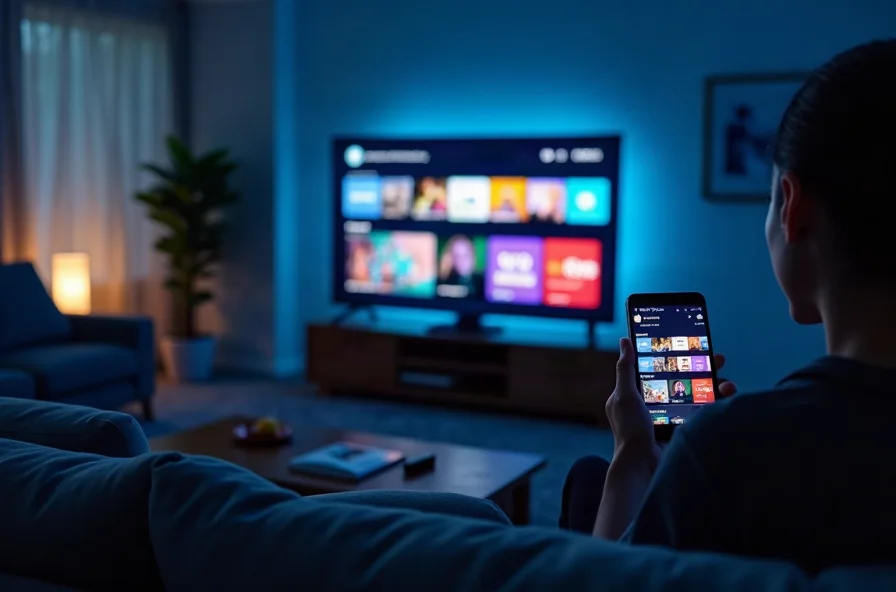
Select your device
Firestick
Lunex4kTV works with every Amazon Fire TV Stick (Lite, 4K, 4K Max) as well as the Fire TV Cube.
Samsung & LG Smart TV
Samsung and LG Smart TVs let you view Lunex4kTV straight away, needing no extra receiver.
Android & Android TV
Running Lunex4kTV is simplest on Android devices.
iPhone, iPad & Apple TV
Apple TV, iPad, and iPhone can run Lunex4kTV via App Store IPTV applications.
MAG Box
Username and password details are not required for a MAG box.
Other devices
Apple TV
Install an IPTV player from the App Store on the Apple TV and sign in with your Xtream login. The steps match the iPhone and iPad guide.
Windows PC and Mac
Launch VLC media player and go to Media, Open Network Stream to use your M3U link, or get a desktop IPTV player and log in with Xtream.
Formuler
Launch the MyTVOnline app, input the URL from your welcome email as a new portal, and reboot the software. The procedure mirrors a MAG box.
Having technical trouble?
Resolve buffering & freezing
Playback stuttering generally stems from three issues: a weak home internet link, a strained piece of hardware, or player configurations unsuited to your bandwidth.
Fix login errors
Sign-in failures rarely indicate a defunct active plan.
Playlist not loading
If the application launches successfully but displays no channels, the playlist failed to load.